BISP 8171 Payment Update, How to Check Balance and Withdraw Rs. 14500

Check your BISP 8171 payment updates of Rs. 14500 online by CNIC. Check balance, withdraw cash, and see the latest 2026 payment updates.
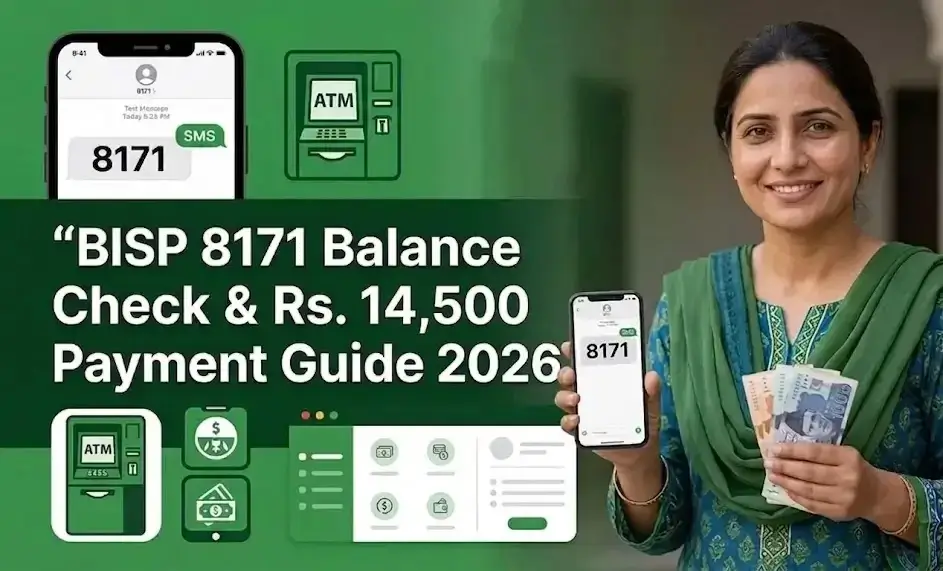
BISP 8171 Payment Update, How to check BISP 8171 balance by CNIC and withdraw Rs. 14500 payment in 2026 step by step guide

Benazir Income Support Program pays 14500 quarterly to low-income families of Pakistan. This guide explains how to check your balance and what methods you can use to withdraw your funds.

How to Check BISP 8171 Balance by CNIC

You can check the balance same way you have checked the registration and eligibility status by using 8171 online Web portal and using SMS service.
Check your Eligibility Status here.

Step-by-Step Guide for Online Registration

  • Visit the BISP official website.
  • Enter your 13-digit CNIC number.
  • Solve the Captcha correctly.
  • Click the check button.

8171 SMS Service

  • Just enter your 13-digit CNIC number without dashes in the SMS app.
  • Send the message to 8171
  • You will receive a message from 8171 about the status of your payment if your PMT Score is below the threshold of NSER and your funds are approved.

BISP 8171 Payment Updates: How to Receive and Withdraw Cash Easily

You will get 14500 rupees quarterly (After every 3 months) under Benazir Kafaalat Program. You can withdraw your amount using one of these three methods once your funds are approved.

You can also check stipend and payment about Benazir Nashonuma and Benazir Hunarmand Program and Benazir Taleemi Wazaif.

BISP Payment Centers

  • In this way, you can get your payment through the biometric verification process (BVS).
  • For this, you have to visit BISP centers or authorized retailers and provide your fingerprint (thumb impression) for verification.

Bank Accounts

Federal Minister for Poverty Alleviation and Social Safety, Chairperson Ms. Shazia Marri, has announced that the payment can now be transferred to your bank accounts. First, it was launched for a few districts as a pilot, but now it is available for all. For this, the government has partnered with these banks.

  • Habib Bank Limited (HBL)
  • Bank Alfalah
  • HBL Microfinance
  • Bank of Punjab
  • Visit your bank’s ATM.
  • Enter your ATM card assigned for BISP payments in the Card Slot.
  • Enter your 4-digit PIN code or Password.
  • Select “Balance Inquiry” then select “Cash Withdrawal.”
  • Enter the desired amount you want to withdraw
  • It will ask you about the receipt; it is optional, you can select No. If you select yes, it will deduct 3.75 rupees from your account
  • Collect your ATM card and your money.

Digital Mobile Wallets (Jazzcash/Easypaisa)

Yes, you can receive your payments in your mobile wallets.

  • You should have JazzCash and Easypaisa registered with your CNIC.
  • You need to go to the nearest BISP Tehsil office with your ID Card and registered mobile number to connect your JazzCash or Easypaisa account.
  • You will receive a confirmation SMS.
  • After this, you can get payments directly to your account.

Common Problems and Their Solutions

Some issues can occur while you log in or when you withdraw the amount. You can check the following problems and their solutions.

I have not received my payment yet? Was my payment missed?
The beneficiaries receive the payments in different phases. It is possible that the payment is not released, or it can be due to a phase delay. Wait for your phase or check via the 8171 Web Portal.

My Payment has stopped. What is the issue?
It could be due to a high PMT score in your NSER Dynamic Survey. Visit the BISP Tehsil office and update your data. After the NSER Dynamic Survey update, your payment will start again.

Biometric Verification Failed
It might be due to your fingerprint mismatch. So, visit the NADRA office and update your biometric information.

My Thumb Impression is Not Working at the ATM?
It can be due to a biometric issue. Try retailers or visit the BISP center.

Frequently Asked Question

No, Rs. 14500 is paid every 3 months, not monthly.

If your thumbprint isn’t working, visit a BISP office to update your biometric data.

Payment may stop due to incomplete NSER data, expired CNIC, or ineligibility.

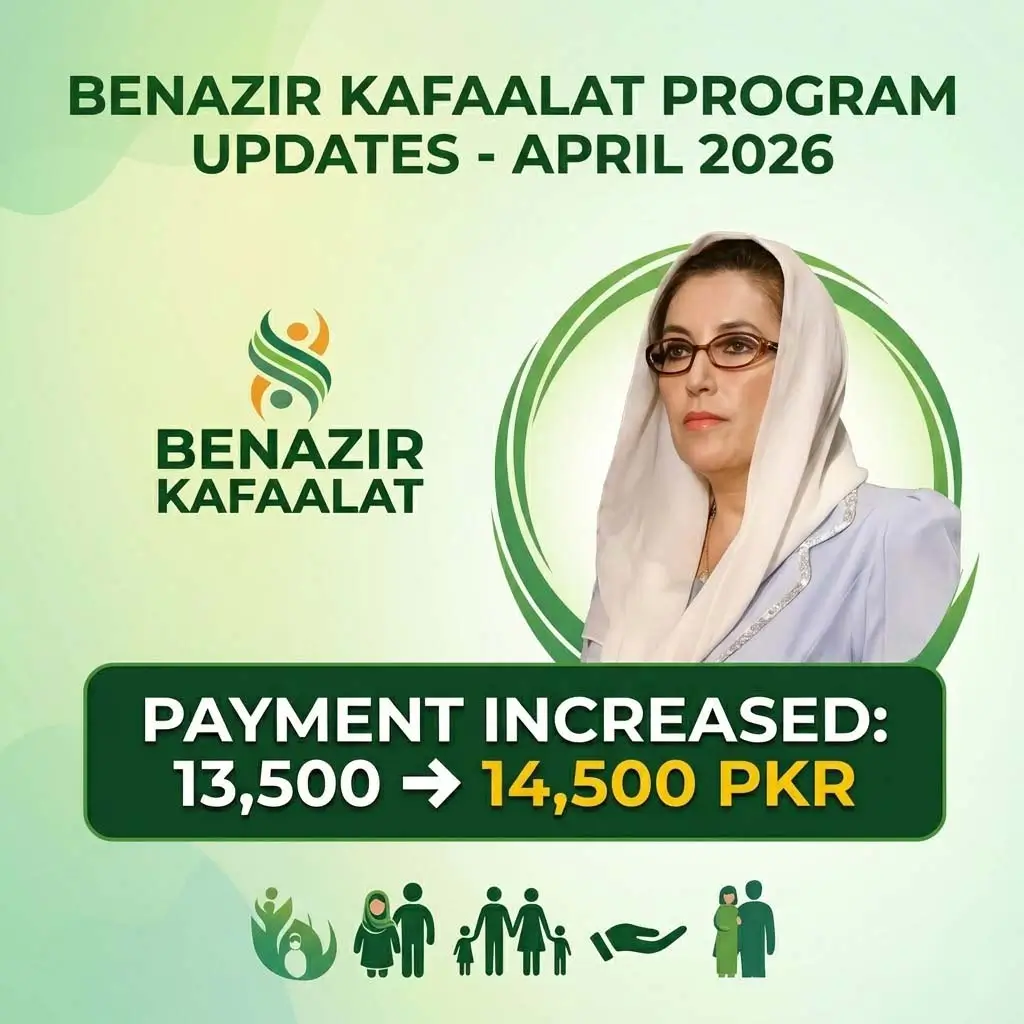
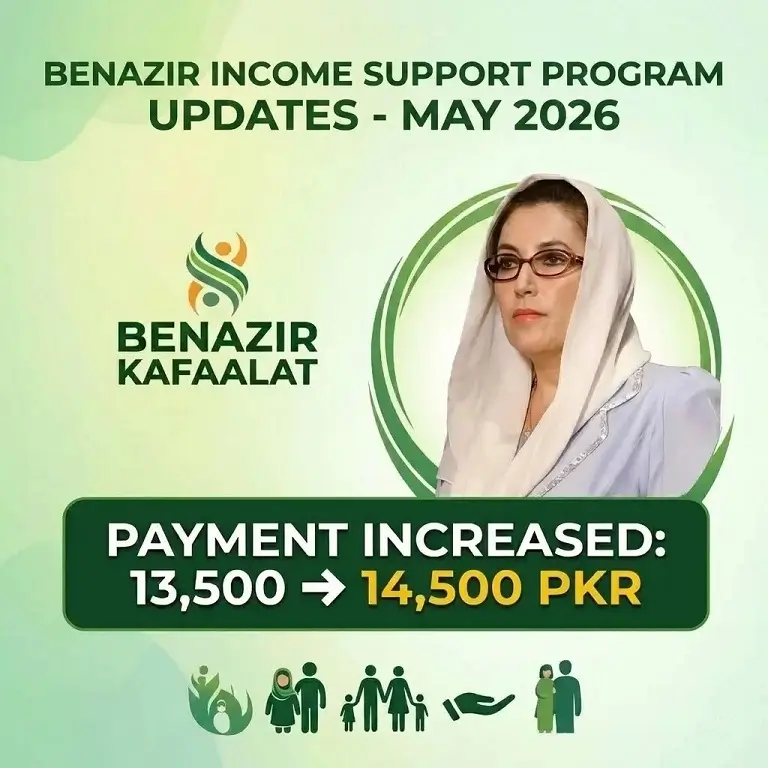
Government has increased the payment amount by 1000. This time Payment for April and May 2026 is Rs. 14500 (quarterly installment).

The government gives Payment Installments in different phases. You may get your Rs. 14500 at slightly different times than others.

Latest BISP News

  • BISP Payment updates May 2026, showing Rs 14500 Kafaalat stipend and increased Nashonuma and Taleemi Wazaif amounts for beneficiaries

    BISP Payment Updates May 2026, Rs. 14500 rupees Annouced

  • Asaan Karobar Scheme 2026 Punjab interest free loan SME card eligibility application status check Bank of Punjab digital loan program

    Asaan Karobar Scheme 2026, AKC Eligibility, Loan, Status Check Guide

  • Benazir Hunarmand Program Official Registration guide, check Eligibility status online by CNIC, and Payment updates banner image

    Benazir Hunarmand Program 8171, Complete Guide, Check Eligibility 2026

  • Benazir Nashonuma Program 2026 Registration Guide, Eligibility Check Online by CNIC, and Payment Details

    Benazir Nashonuma Program 2026, Complete Guide, Eligibility & Payment

  • Infograph for Benazir Taleemi Wazaif 2026 eligibility, registration and payment, showing a mother and children with a phone and a 500 rupee note.

    Benazir Taleemi Wazaif 8171, Check Eligibility & Payment Online by CNIC

  • April 2026 payment updates, showing Rs 14500 Kafaalat stipend and increased Nashonuma and Taleemi Wazaif amounts for beneficiaries

    Latest April 2026 Payment Updates in BISP 8171 Benazir Kafaalat Program

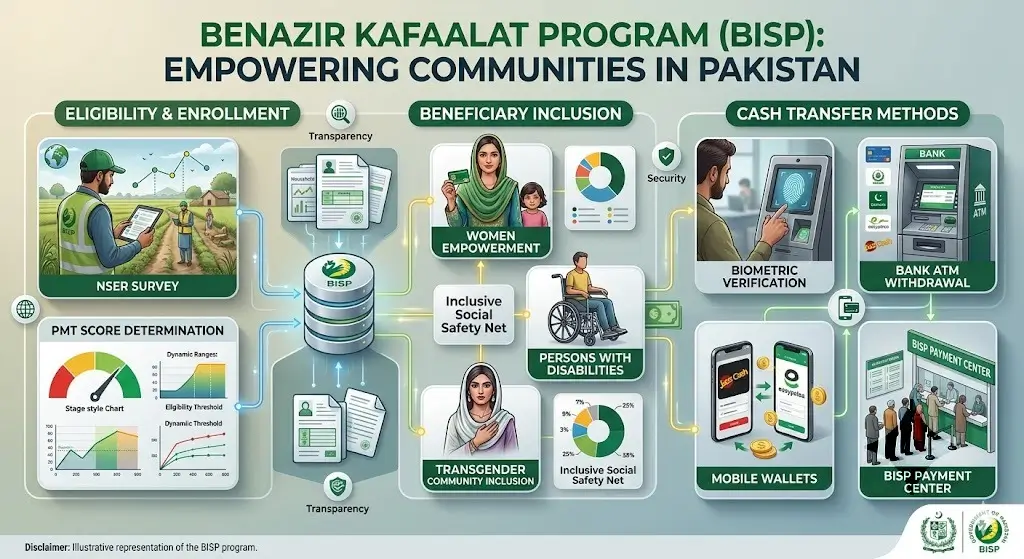
  • Benazir Kafaalat Program 2026 image showing eligibility criteria, PMT score system, 8171 check process, and BISP payment details

    Benazir Kafaalat Program 2026, Eligibility, PMT Score, Payment Updates